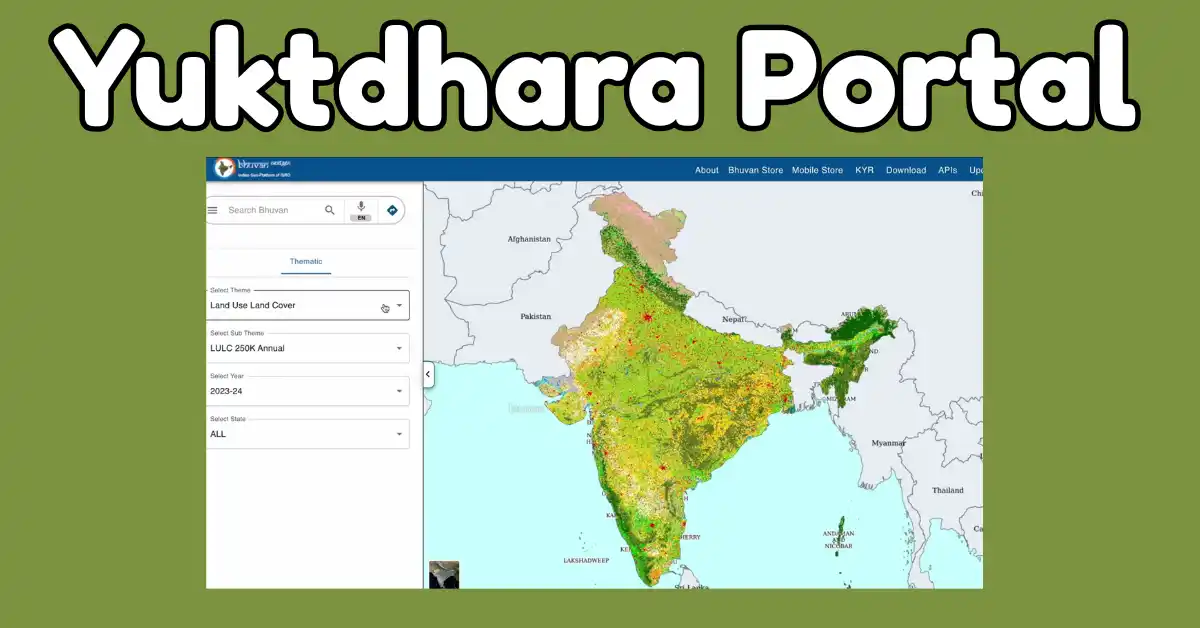
ISRO, i.e. Indian Space Research Organisation, recently developed their new digital advanced platform with the name of Yuktdhara Portal. ISRO launched this portal in collaboration with the Ministry of Rural Development. By launching this portal, the paperwork is going to be zero because this portal allow decentralized data driven under the MGNREGA (Mahatma Gandhi National Rural Employment Guarantee Act). We all know that MGNREGA is working at the Gram Panchayat level all over India.
All authorised persons, as Gram Panchayat Planners or Block Level Supervisors then you all can use the Yuktdhara Portal Dashboard my Making login on the portal. So now here I am going to provide you with the details about the Yuktdhara Portal Login Process and how to use the Dashboard for Reports.
What is Yuktdhara Portal?
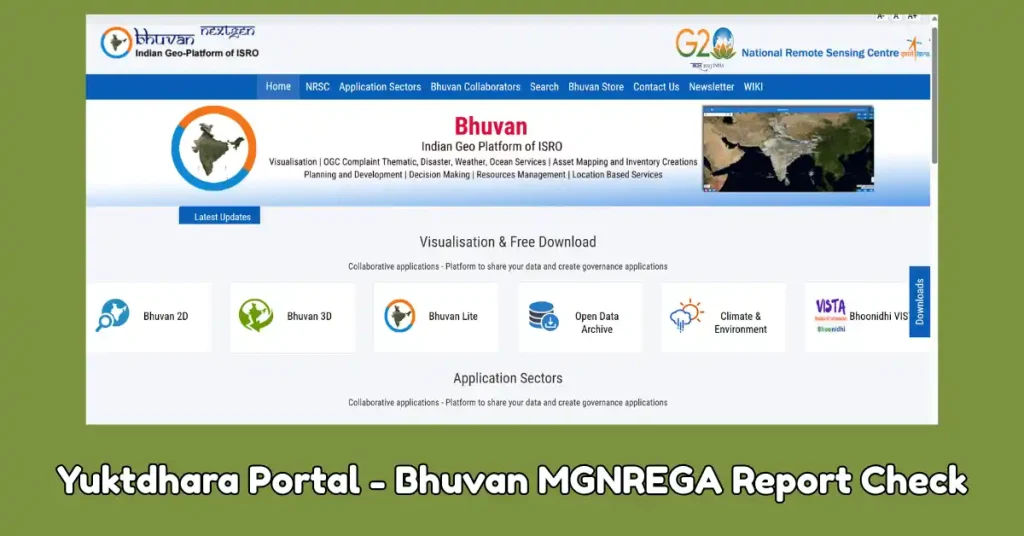
This Yuktdhara Portal is also known as the Geospatial Planning portal, which is developed by the ISRO at a very advanced level. The department that connected with the portal is the Ministry of Rural Development. This portal helps all the Gramc panchayat Planner to use the satellite map instead of using paperwork. To use this portal, every one need to login on the portal and then there are so many services available on the Yuktdhara Portal Dashboard. With the help of this portal, the Integrated satellite with GIS will help all the local authorities to monitor all the development projects.
| Platform | Yuktdhara Portal |
| Developed by | ISRO and the Rural Development Ministry of India |
| Launching year | In 2021 |
| Motive to Launch | For Planning and Making a report on MGNREGA Work |
| Beneficiaries Use portal | All Gram Panchayat |
| Portal available on | BHUVAN Portal |
Objective of Yuktdhara Portal
The objective behind launching this portal is only to improve rural planning through the new geospatial technology. Government also trying to make better plans for all the projects available under MGNREGA. It will also provide transparency in the work project.
Features of Yuktdhara Portal
- Usages of Satellite and Integration: This portal uses the high-resolution observation data.
- Suggestions: This Yuktdhara Portal also provide the automated suggestions for the use of Sensing Satellite data.
- Workflow Approval: All users who are authorised on this portal can prepare all plans and submit their plans directly.
Who is eligible for Yuktdhara Portal Login?
This portal is not usable for the Public, only the authorised people who are functioning with the government will login on the portal after getting the credential details. When you are going to login on the portal, here you get only the two primary login roles on the portal as given below:-
- GP Planner Login: i.e. Gram Panchayat-level operators. So if you are going to login as MSE Login Role, then you choose this role and then prepare the reports, new plans, analyse the data, and can also draw area treatments.
- Block Approver Login: This role is also known as the GAS Role, i.e. GIS Asset Supervisor. If you are in the same role, then you have to choose the Block Approver to Make login on portal.
Yuktdhara Portal Login Process
- Open Portal: Need to access the portal, i.e. Yuktdhara.
- Select Your Login Role: Now, it is an important part before logging in on the portal to choose your login role, i.e. GP Planner or Block Approver.
- Enter Credentials Details: Now, every have to fill in the Username and Password details that are assigned to you. And also the CAPTCHA code.
- Check Dashboard: After entering all the details, the Dashboard of the Yuktdhara Portal appeared, and now you can avail all the benefits of this portal.
Steps to Check and Download Report at Yuktdhara Portal
- Need to open the Yuktdhara Portal bhuvan-app2.nrsc.gov.in and then click on your role.
- Then, using the above portal, log in, and once you login in to your account, the dashboard of your website opens in front of you.
- Now visit the reports section and then select the Reports or Plan Status.
- Here, the complete details open in front of you, need to select the District Name, Village Name and then click on Export.
- Here you can also check the reports and can also download them.
Work of Yuktdhara Portal
- Firstly, the authorised role officials can login on the portal by using their credentials.
- Then they have to check the Dashboard and then have to select their local village and the planning area of the project.
- After the selection of their local area, the Satellite Imagery are available. You can also check the assets.
- Here, by using this portal, officials and also proposed the new work, select the new location for work and submit it on the same portal for approval.
- Once they get approval, they have to take the next step for the implementation of the work.
FAQs
No, this portal is only used by authorised officials.
No, to date the government don’t launched their any Mobile App.
ISRO and the concerned department launched this portal to improve their planning and monitor the development in their area using advanced technology.